
 Yochi
Yochi
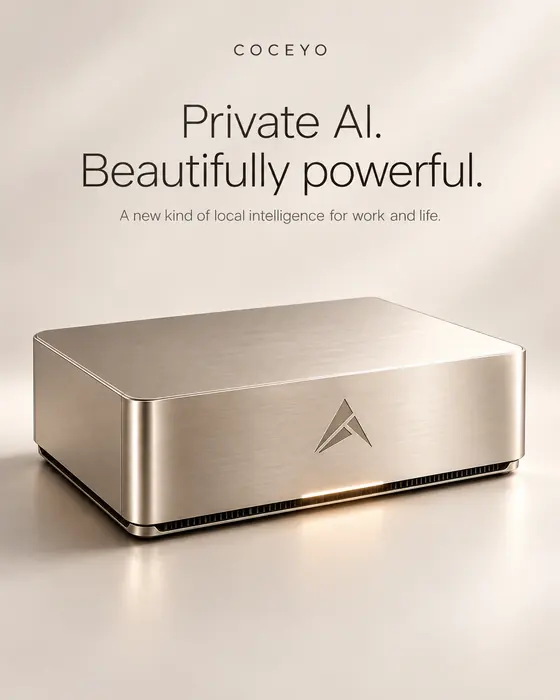 ★ Chosen for the hero
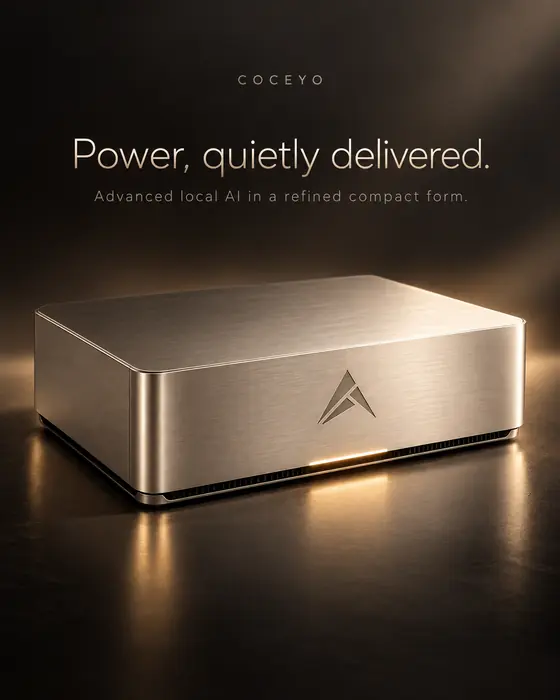



Coceyo Studio
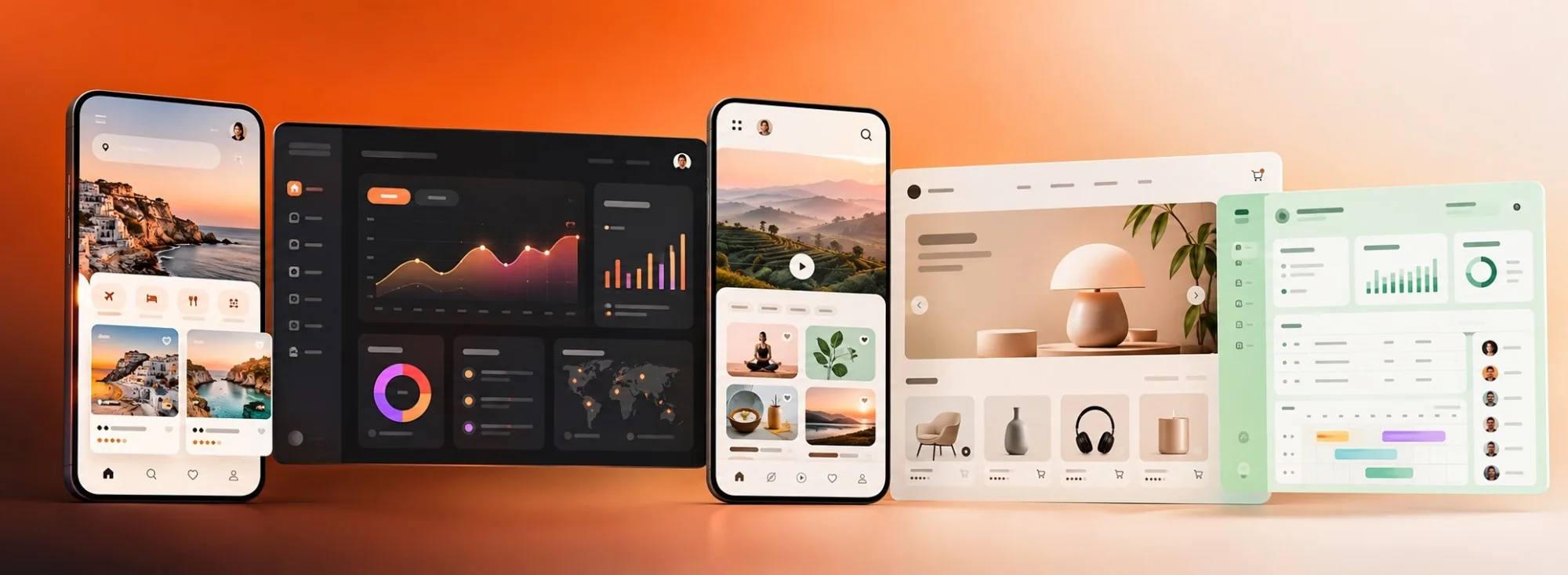
Describe it.
Studio creates it.
Images, videos and ads from a single description.


 Dani · Creative
Your AI Co-CEO.
Give your AI Co-CEO a goal.
Its team of agents does the work. You approve.



Your Co-CEO plans. Your agents execute. You decide.
ONE CONVERSATION. YOUR ENTIRE WORKSPACE.
Tell your AI Co-CEO what you want. It splits the work between its agents and shows you the result.
YOUR TEAM
Each agent has a defined role, tools and access. You choose them.





Build your own AI organization.
Connect agents with your people, define roles, control access.Illustrative organization · Every agent, role and hierarchy is customizable.
YOUR CONTEXT
Connect the apps you already use. Your team gathers the context and prepares the right actions.
Official connectors, reviewed one by one
 Airtable
 Box
Box Dropbox
 GitLab
 Google Analytics
 Google Drive
 Intercom
 LinkedIn
 OneDrive
 Notion
 Salesforce
 Slack
Slack Webhooks
 Asana
Asana GitHub
 Google Docs
 Linear
 Microsoft Teams
 Shopify
 WooCommerce
 AWS
AWS Calendly
 Figma
Figma Gmail
Gmail Google Calendar
 Google Sheets
 Jira
Jira Mailchimp
 Outlook
 Pipedrive
 Sentry
 Stripe
 WhatsApp
 Canva
Canva Google Ads
 HubSpot
 Meta
Meta QuickBooks
 TikTok
Available actions depend on connected apps and granted permissions.
THE CONVERSATION
Talk to your Co-CEO out loud.
It answers you in real time.
90+ Languages · Real-Time Conversations
YOUR APPLICATIONS
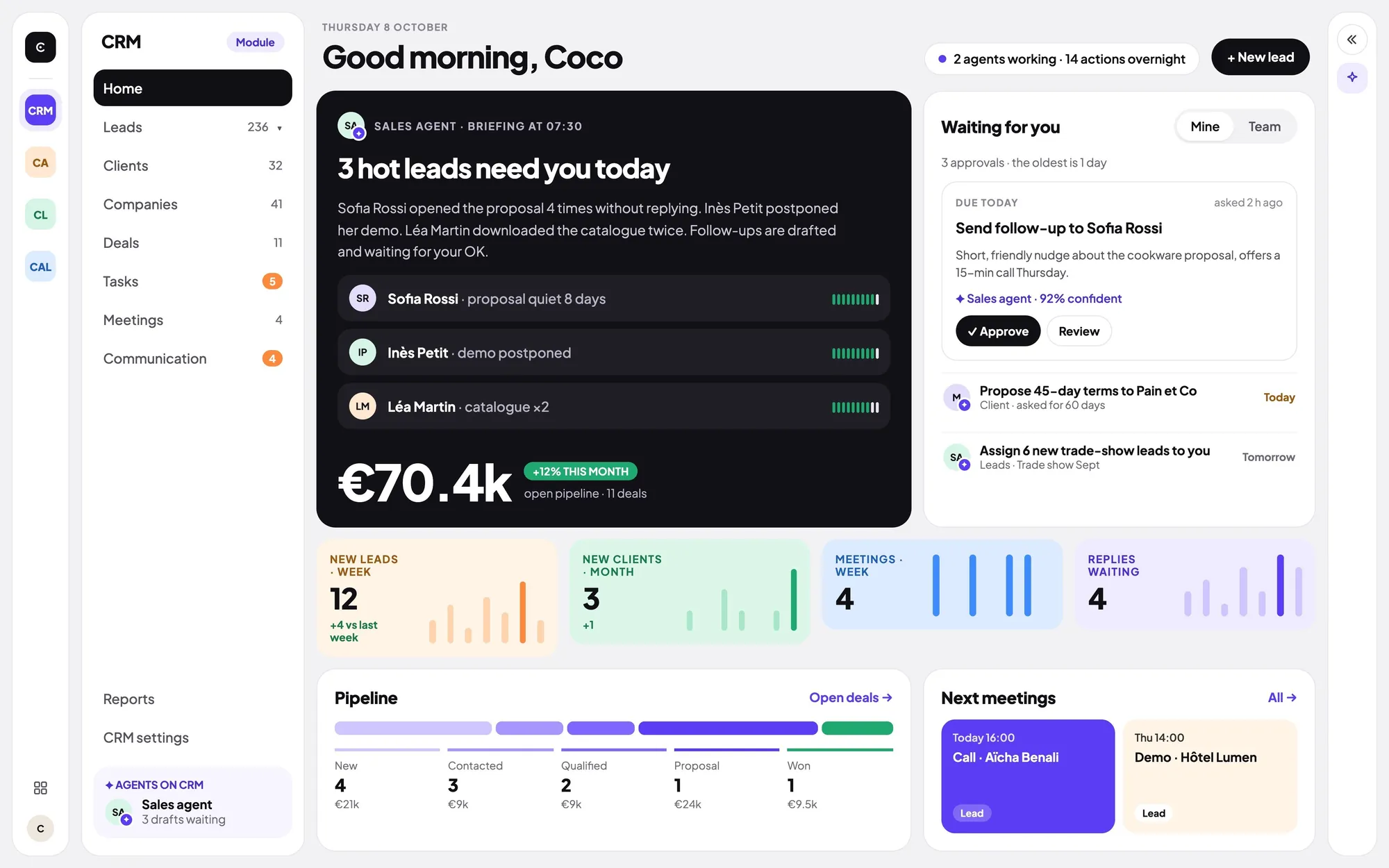
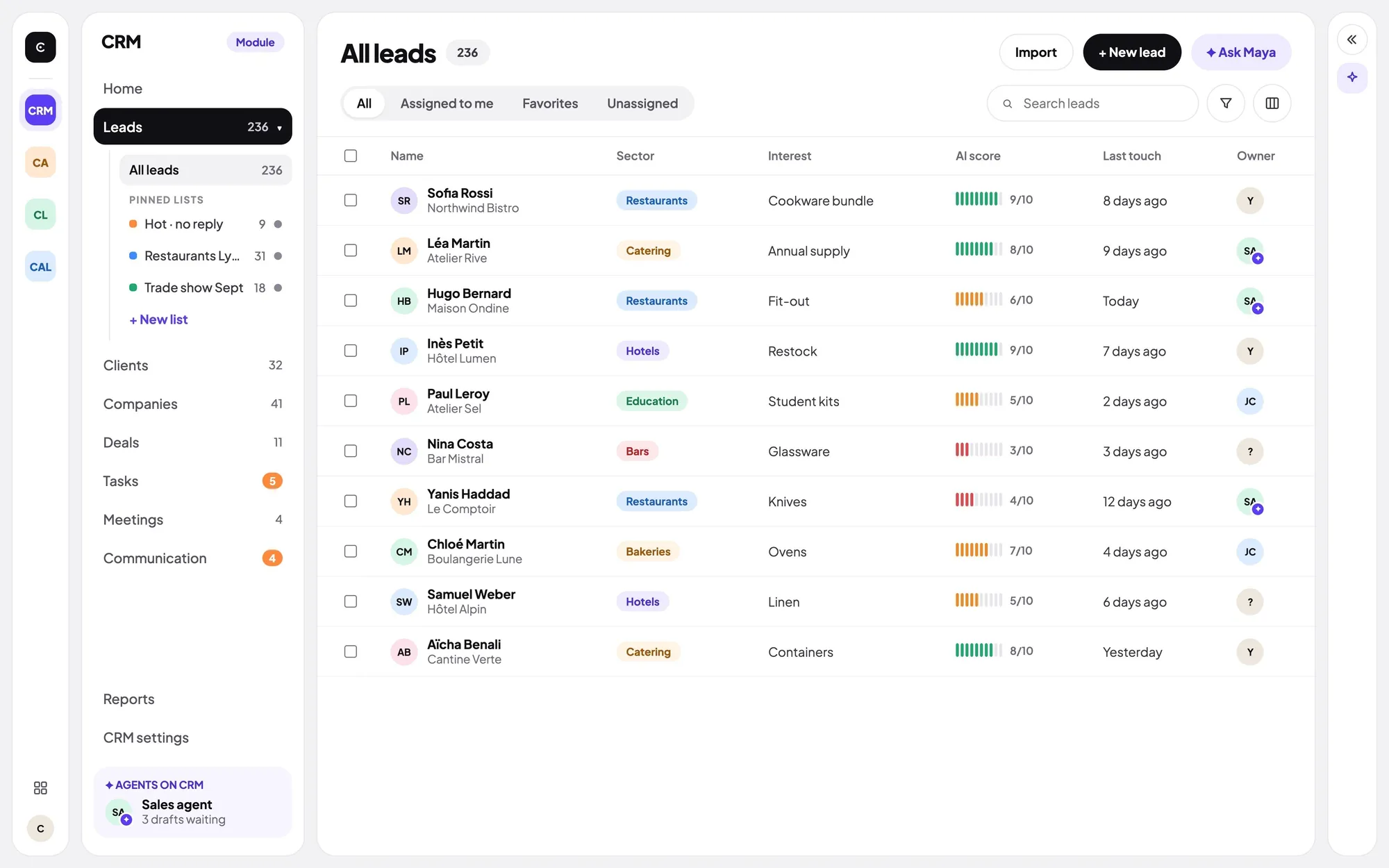
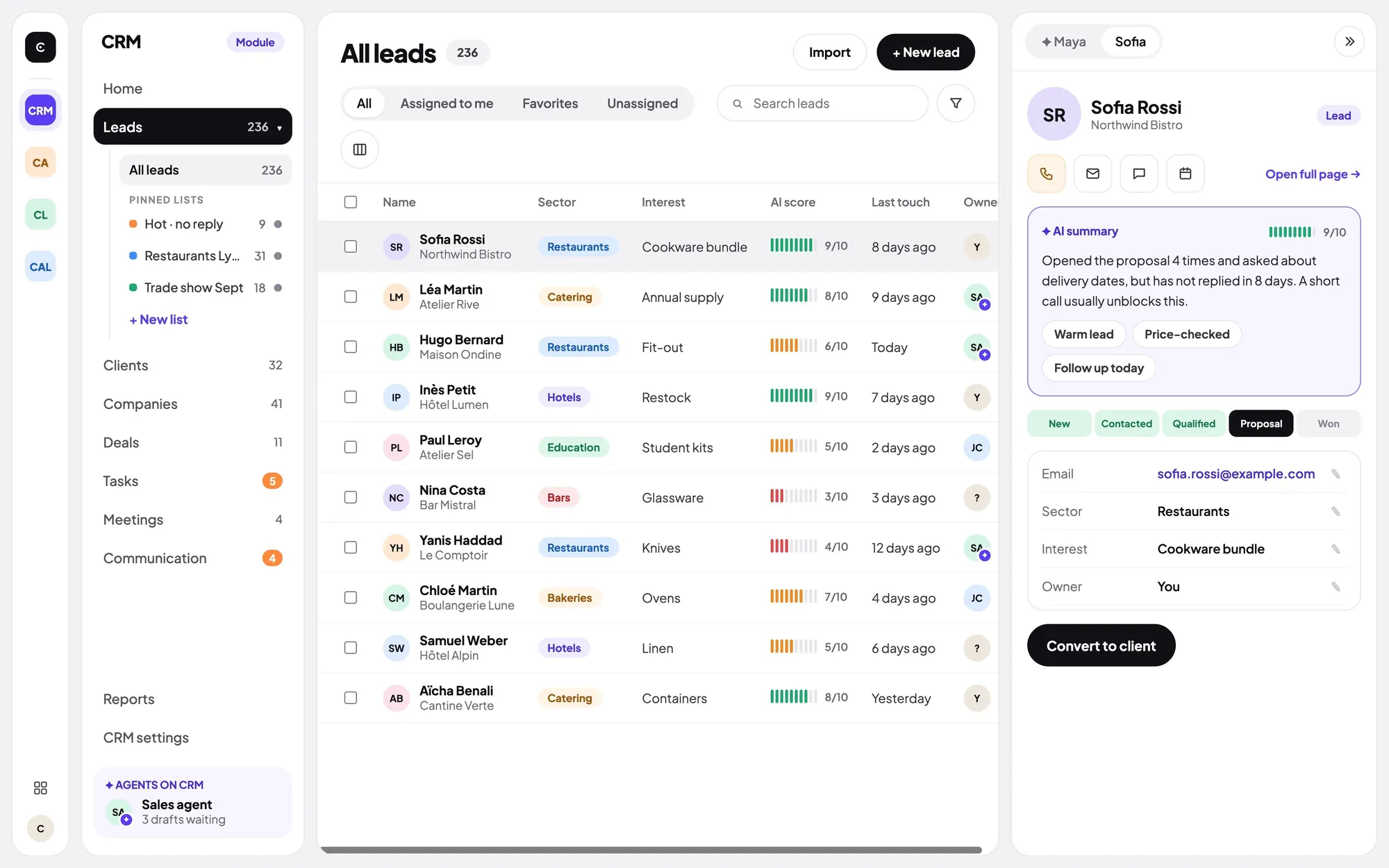
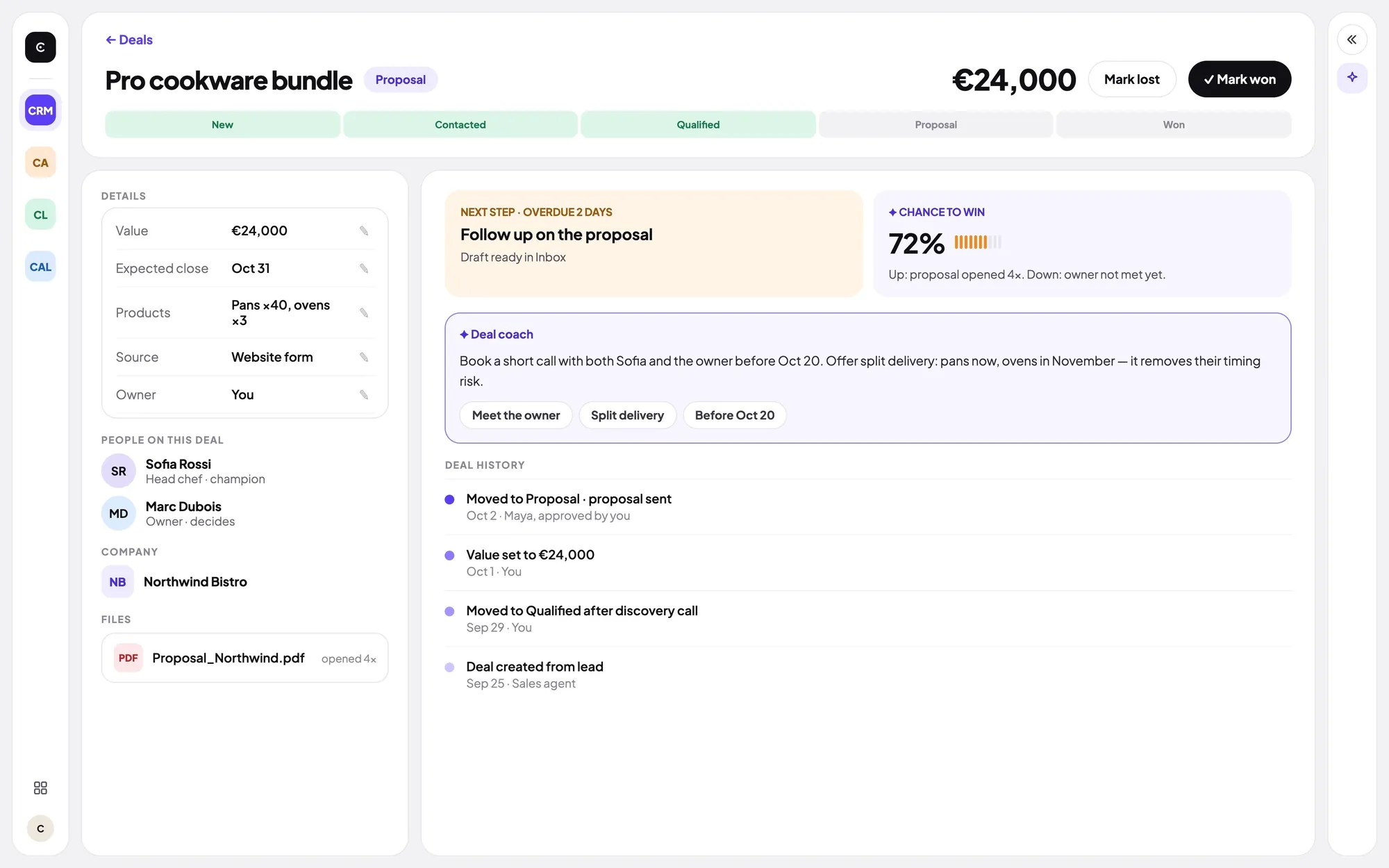
A CRM, a creative studio, a call center… inside Coceyo, used by your agents.
More are coming, and you can request a custom app for your business.
Coceyo Studio
Images, videos and ads from a single description.
Dani · CreativeCoceyo CRM
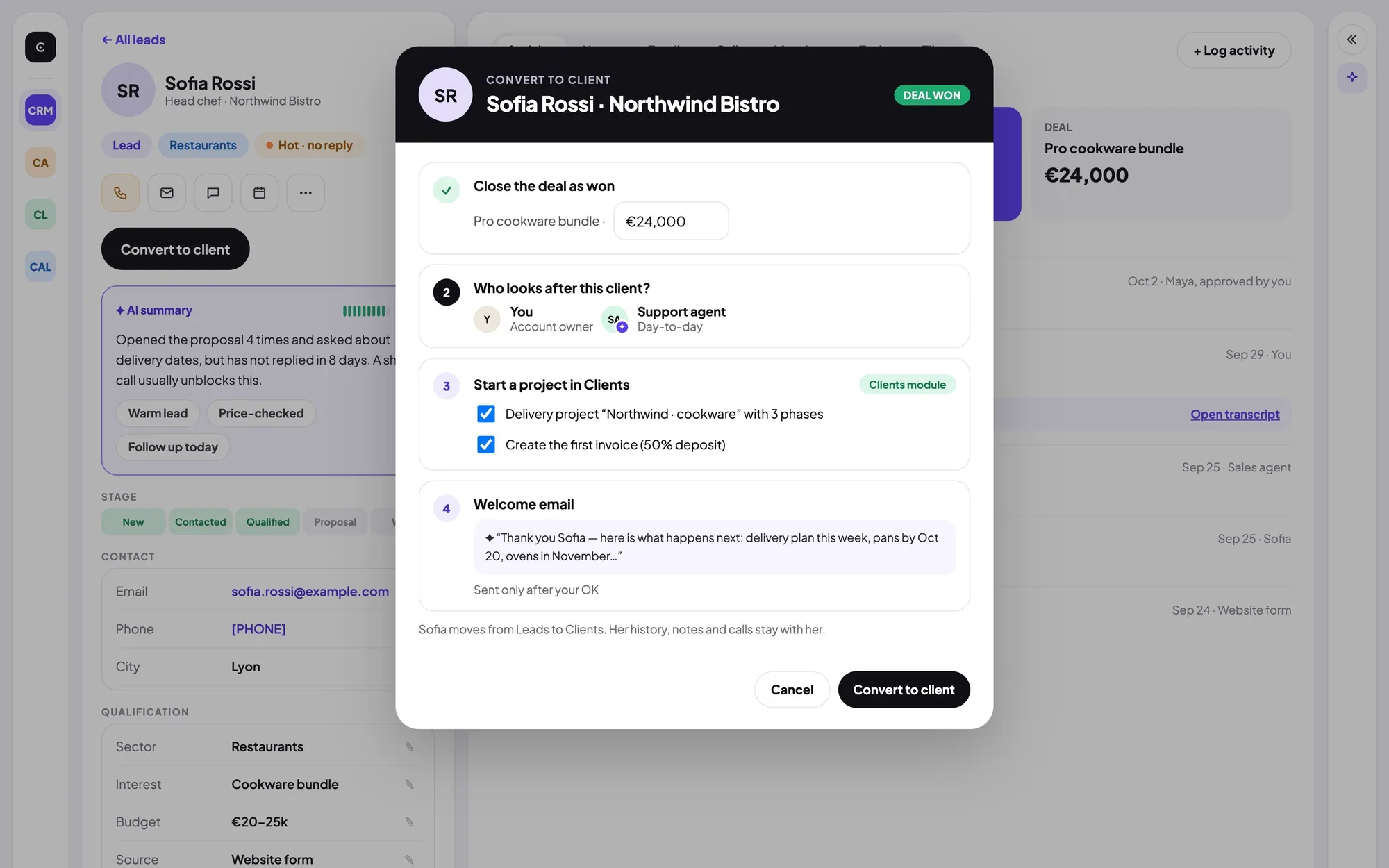
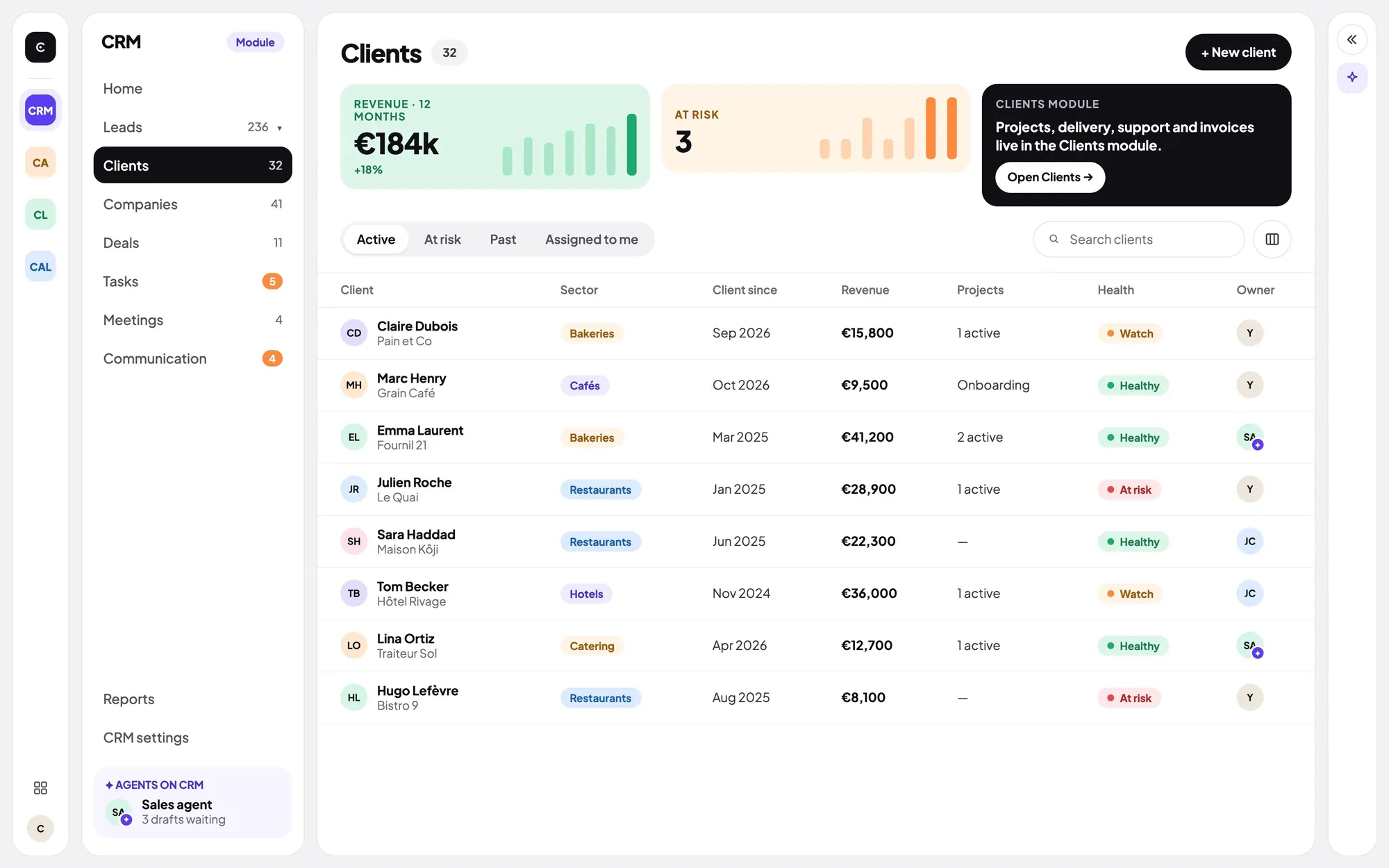
Your contacts, conversations and agents, together.
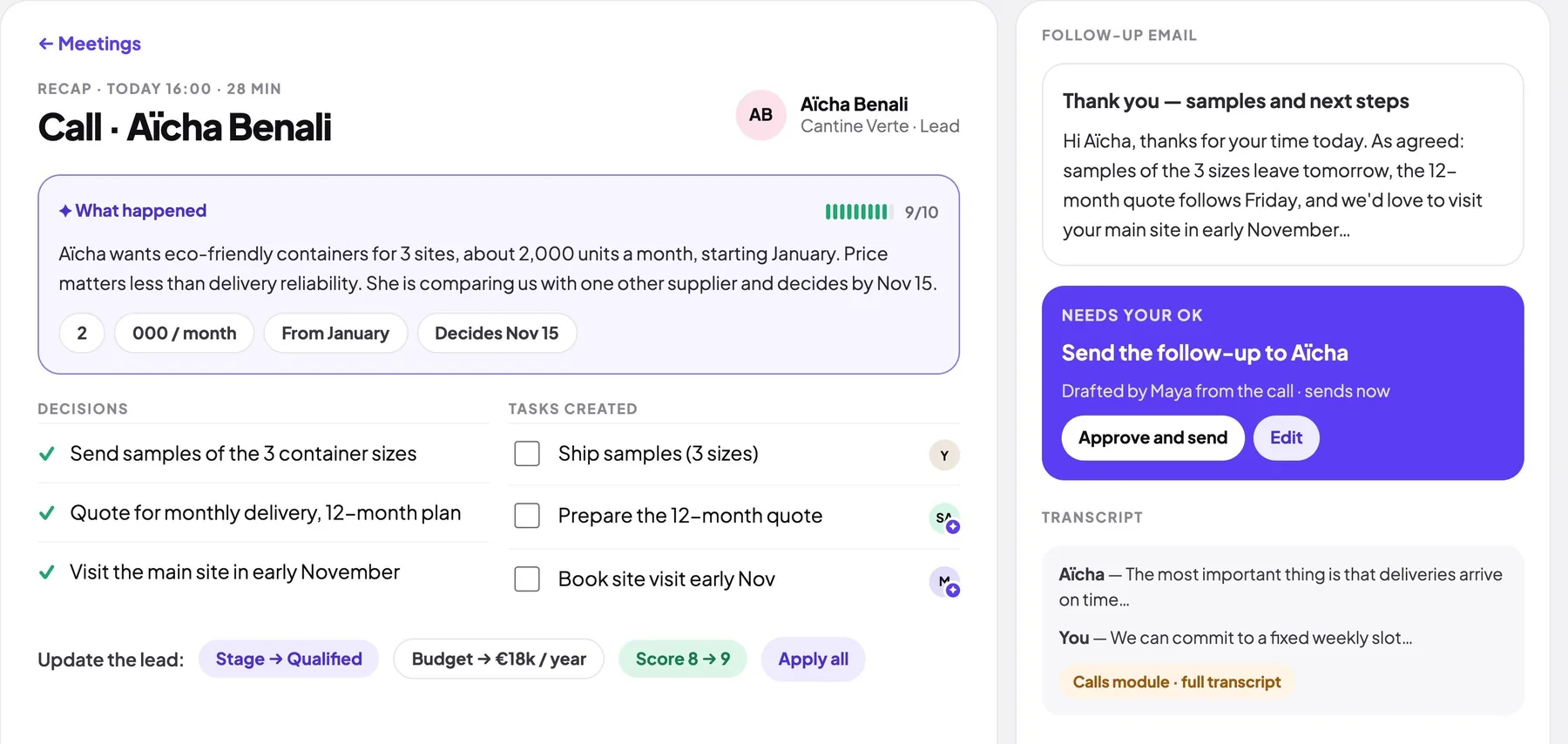
Selena · Customer relationsCoceyo Call Center
They book meetings and write the recap of every call.
Your voice teamCoceyo AI Coach
The coach listens and suggests what to say, without interrupting.
By your side, in contextCoceyo Website Builder
Create an experience that feels like you.
Techy · DevelopmentCoceyo Home
Connected devices, routines and energy, in one place.
 Ayo · Home
MODEL GATEWAY
Coceyo picks the best AI for each task.
Nothing to set up, and every task costs less.
AUTO MODE
Auto compares models, picks the best one and hands it the task. You can also choose yourself.
400+AI models
 OpenAI
 Anthropic
 Google Gemini
 Meta
Meta Mistral AI
 DeepSeek
 Perplexity
 xAI
xAISAVINGS
Auto
picks the most economical model that does the task well.
ONE API KEY
One access for every model, with no account to create at each provider.
LOCAL AI MODELS
For compatible operations, Coceyo uses a local model. Your data stays with you.
Discover Private ModeYOU STAY IN CONTROL
Define responsibilities and access. Choose the environment that fits the work.
PRIVATE MODE
CloudOn your device
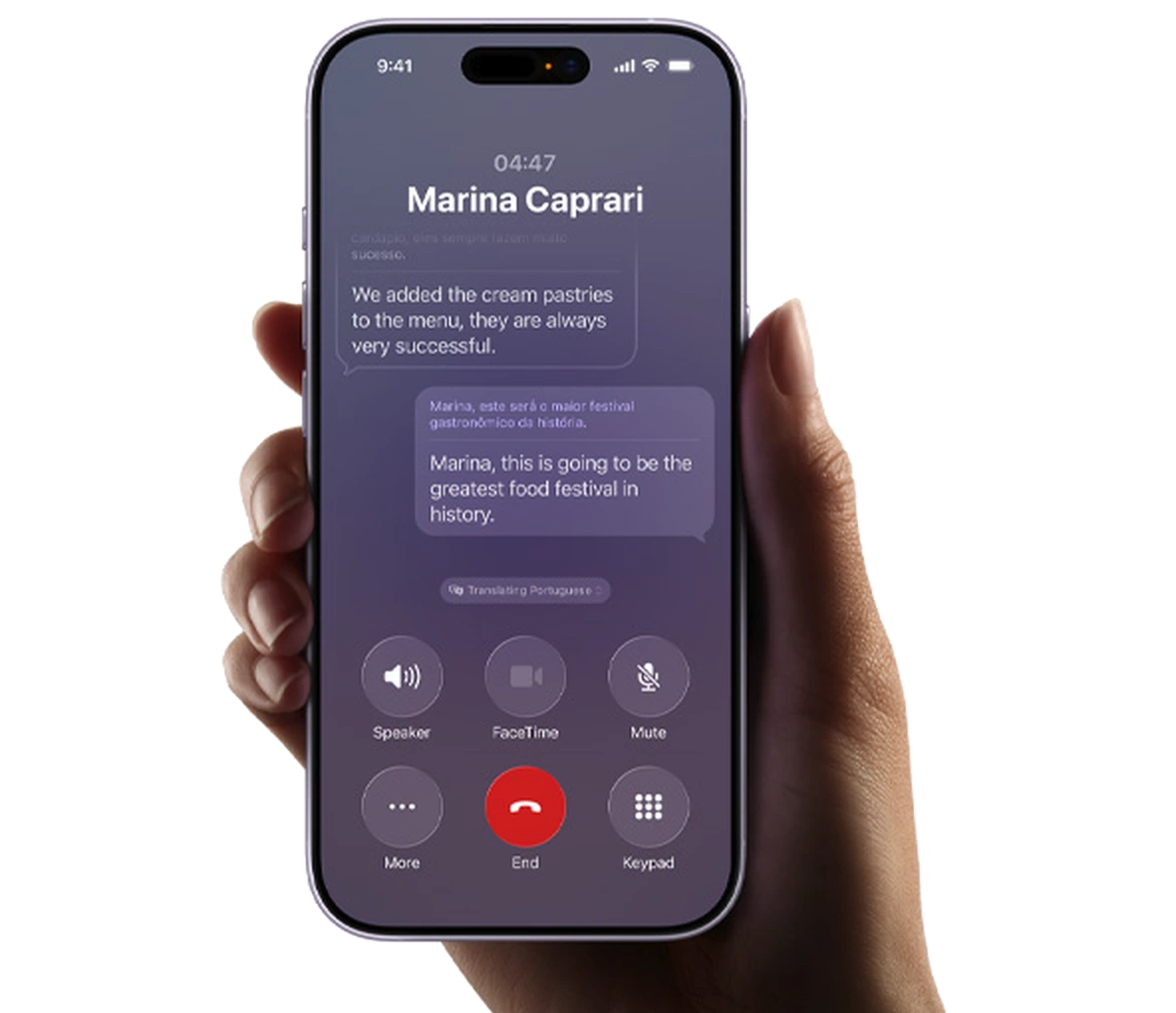
 CloudPrivate Mode
3 hot leads are waiting for you. I’ve prepared the follow-ups.

Cloud services remain subject to their permissions.
Supported operations run on your device.
Interactive demo · No settings on your device are changed.
Each agent gets permissions suited to its role in your organization.
Private Mode runs supported operations on your device.
Dedicated agent environments, with data transfers governed by features and permissions.
BEYOND WORK
Your Co-CEO goes beyond your business. Connect your home, manage your personal life, and create a Companion with its own identity and permissions.
AI teams, company tools, workflows and organizational data.
Personal tasks, compatible connected devices, home services and routines.
The two contexts are separated by permissions and data boundaries: connecting Home does not expose company information, and vice versa. Compatibility depends on the supported devices and services.
Illustrative interfaces. Compatible devices depend on the supported services.
A second agent, for your personal life. It has its own onboarding and its own access: it does not automatically inherit your Co-CEO’s.

Your Co-CEO creates the Companion and sets its scope. The Companion does not inherit the Co-CEO’s access.

THE NEXT CHAPTER
Join the Coceyo waitlist.
Coceyo is a platform for building your own AI organization. Your AI Co-CEO, which you customize, understands your company, helps you build a team of AI agents, and coordinates work with your colleagues, all from a single conversation.
For freelancers, entrepreneurs with small teams and companies who want to work with AI agents.
Yes. You choose your Co-CEO’s avatar, voice and name, then define the managers, the agents, their responsibilities and their access. The names and avatars shown on this site are examples, not imposed templates.
No. Nothing is published, sent or spent without your approval, which you can give from your computer or your iPhone.
Coceyo Studio, CRM, Call Center, AI Coach, Website Builder and Coceyo Home, plus real-time voice. Your Co-CEO and your agents use them for you. More apps are coming, and you can request a custom app for your business.
Access to 400+ AI models with a single API key. In Auto mode, Coceyo picks the best model for each task and keeps your costs down. You can also choose the model yourself.
Not by deploying agents at random. You first create your Co-CEO and introduce your company. It analyzes your organization from the information and access you authorize, then you design the team to deploy together.See how it works →
Yes. You can associate agents with your real colleagues to form mixed teams, with responsibilities, tools and access defined for each agent.
Each agent only accesses the tools and data you authorize for its role. Every connection asks for your permission, and important actions follow your approval rules. New reviewed connectors are added regularly.
It lets supported operations use a local model. Cloud features and integrations remain separate environments with their own permissions.
It is your main AI agent and your interface with Coceyo. You personalize it during onboarding (avatar, voice, name). It understands your organization, coordinates your managers and agents, and can also support your personal life with Coceyo Home, within the permissions you configure. Nothing is published, sent or spent without your approval.
Yes. Coceyo Home lets your Co-CEO support your personal environment (tasks, routines, compatible devices you connect), kept separate from your company data. You can also create an AI Companion: a distinct personal agent with its own onboarding and its own access, which does not inherit your Co-CEO’s permissions.
Coceyo is published by Coceyo OÜ and was created by Mindzy, a services company that designs and delivers custom AI projects. Mindzy also delivers tailor-made Coceyo Enterprise projects. Contact: contact@mindzy.me.